
Manage servers by project.
Check Linux server health, delegate work, and manage SSH access.
 Product demo
See SSH access


SSH workspace
Give every server a place.
Keep related servers together. Give operators the tools to handle routine work and see which hosts need attention.
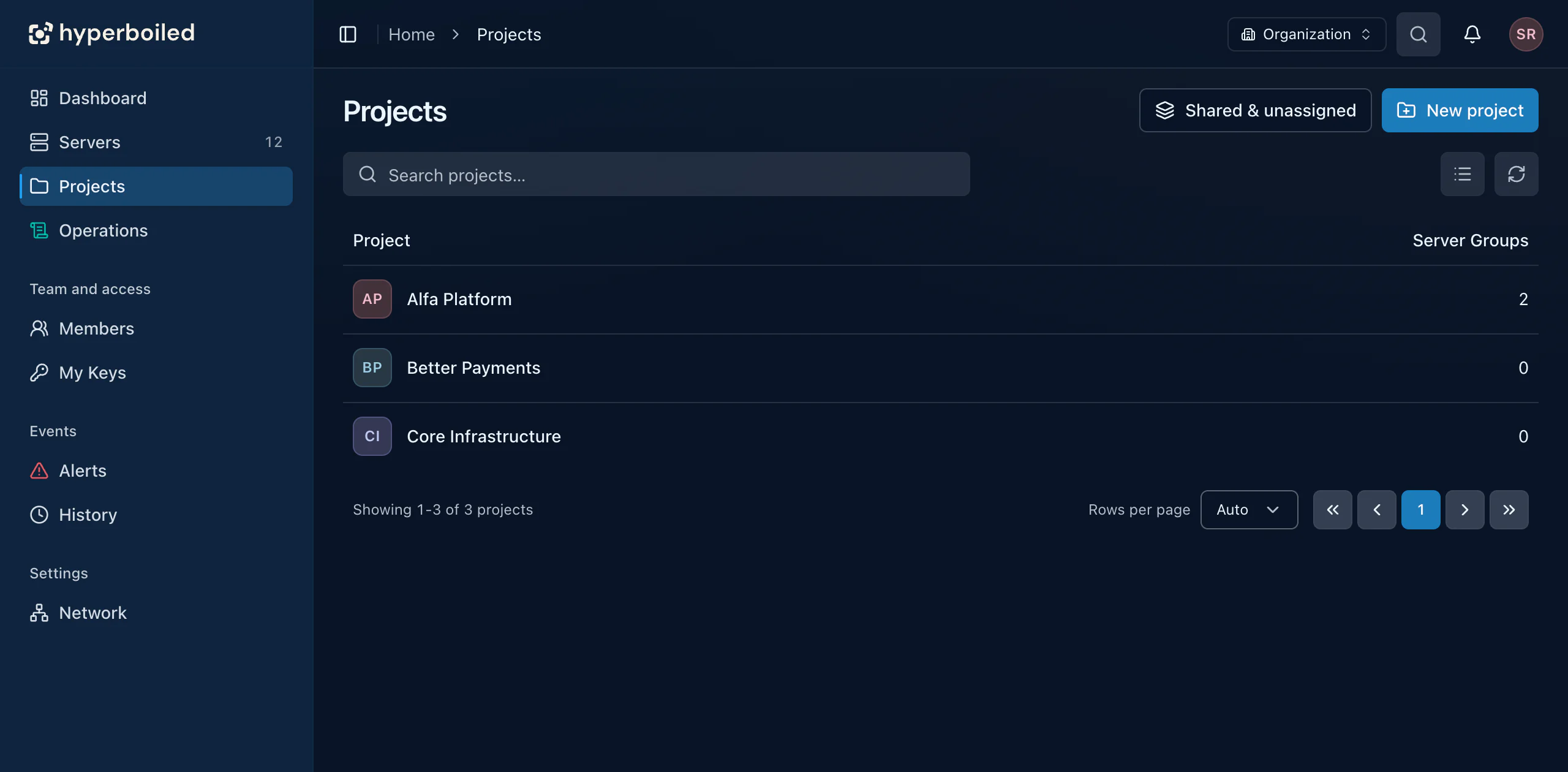
Organize by project
Find the right host by project, server group, environment, or status.
Alfa Platform
Production edge
- edge-gateway-01
- edge-gateway-02
Staging web
- staging-api-west-03
Delegate day-to-day work
Give team members a role that matches the work they handle.
Run Discovery and permitted operations on authorized servers.
Managing your own VPS? Group them by project and check their health in one place.
Server Health
See which servers need attention.
Check Agent status and resource usage across your Linux servers at a glance.

SSH Access
Review SSH keys on each server.
Grant or revoke SSH access, see which keys Discovery finds on a host, and inspect any key you need to investigate.


Compare recorded installs with public keys found in the last scan.
Start with one Linux server.
Add a Linux server
Enter its address and SSH port in Hyperboiled.
Run on server
Copy the Agent installation command and run it on the host with root or sudo.
Review Discovery
After Agent connects, check the first scan in Readiness. Open SSH Access to see the keys it found.
198.51.100.46deploy/home/deploy/.ssh/authorized_keys. The key is not linked to a member.Security
How Hyperboiled handles SSH access.
- On your servers
- Agent reports host health and applies managed SSH access changes. Discovery checks the standard local
authorized_keysfiles. - In Hyperboiled
- The workspace stores server inventory, public SSH keys, grants, and access history. Hyperboiled encrypts private credentials you choose to add to your personal Vault.
- Account protection
- Protect your account with passkeys or authenticator codes. Sensitive actions can require you to confirm your identity again.
Common questions
- Seen in scan. Discovery found the public key in a checked file at the time of the scan.
- Install recorded. Installation is recorded. Discovery has not confirmed this placement.
- Unclaimed. Discovery found a key that is not linked to an organization member.
Signing in over SSH also depends on the matching private key and the server’s SSH settings.
Health readings become stale, and a requested key removal may wait for Agent to reconnect. Check the operation status to see when the removal is confirmed.
Yes. You can connect with your usual SSH client when the server’s access policy allows it. Hyperboiled also includes a web terminal.